

Tutorial
Customize HR role
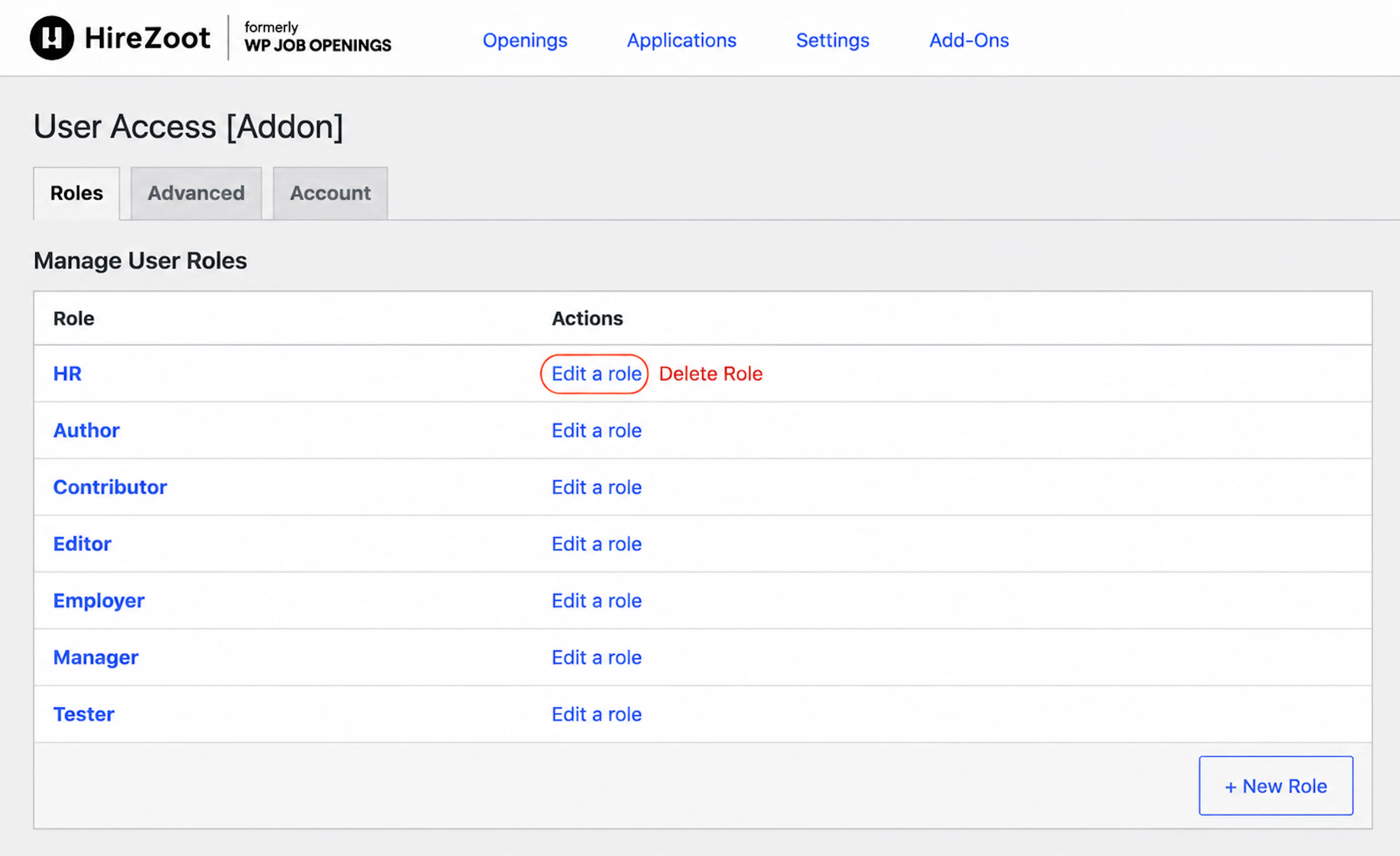
-
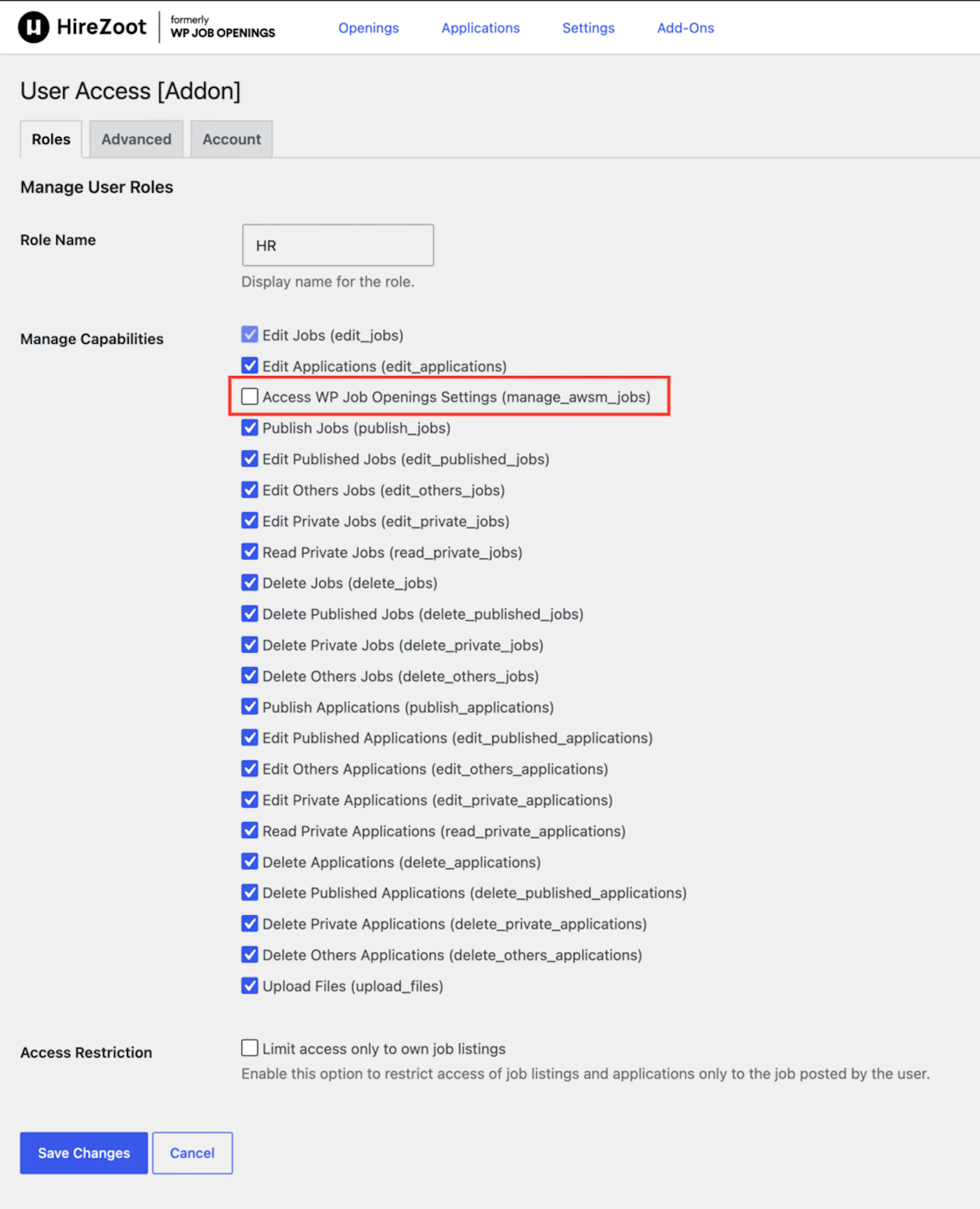
Click on edit a role. Capabilities lists will open
-
For example, uncheck one of the capabilities of the HR role [Access HireZoot Settings (manage_awsm_jobs)].
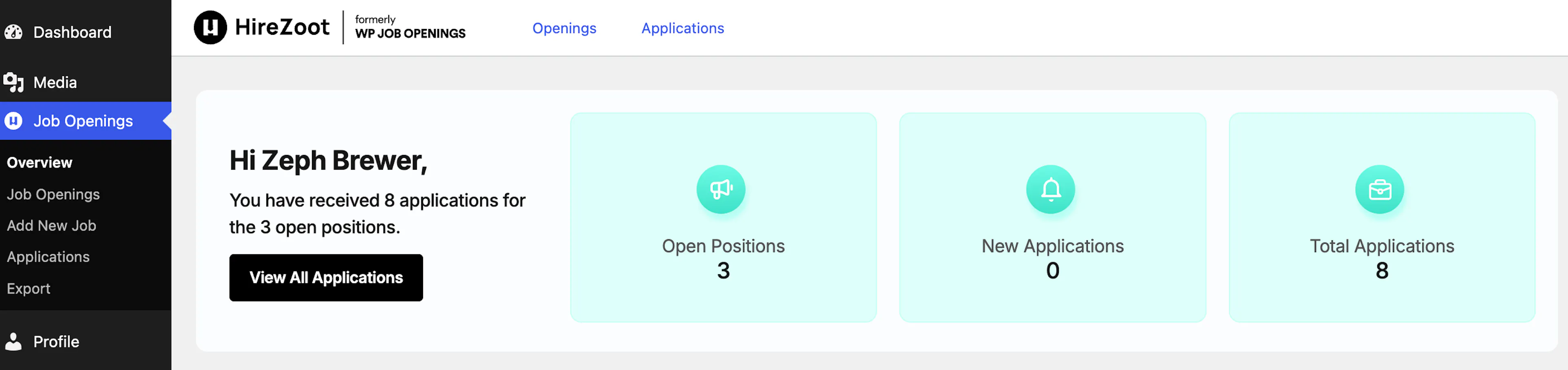
You can see that the HR cannot have access to HireZoot settings.
Add new role
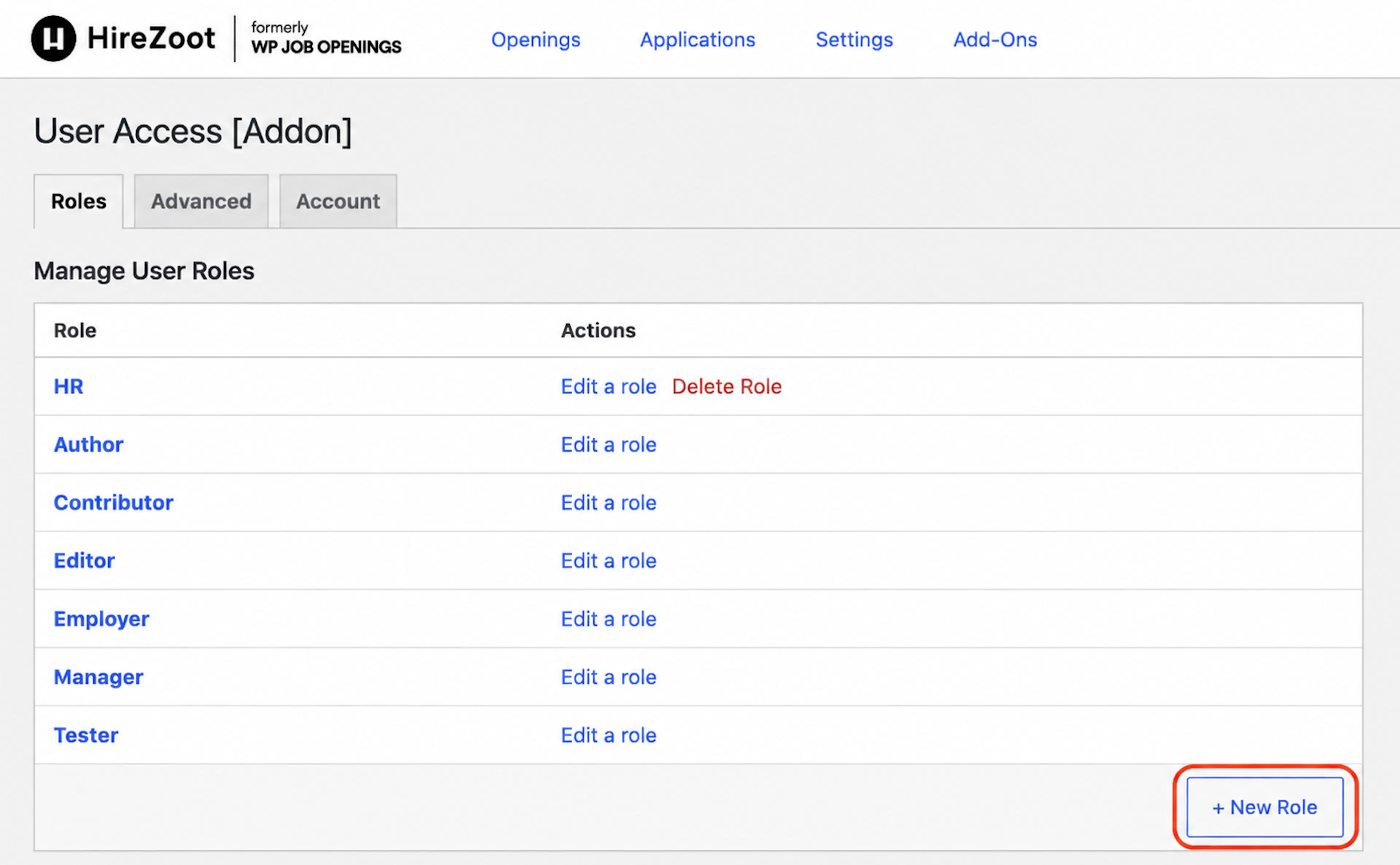
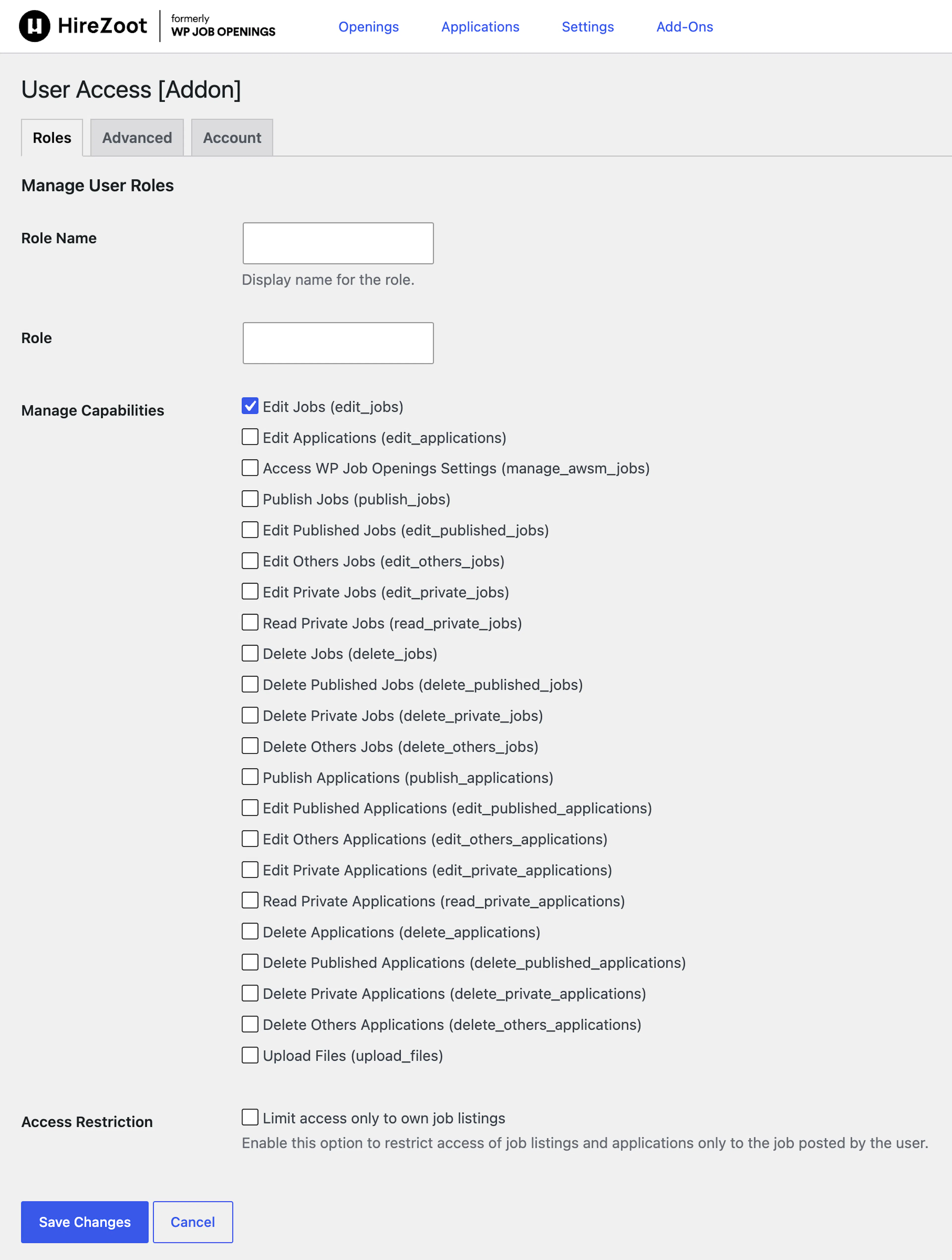
You can add a new role by clicking the new role button
-
Role Name : You can give the name of the role.
-
Manage Capabilities : You can select the needed capabilities for the role.
-
Access Restrication : Select this option to restrict access of job listings and applications only to the job posted by the user.
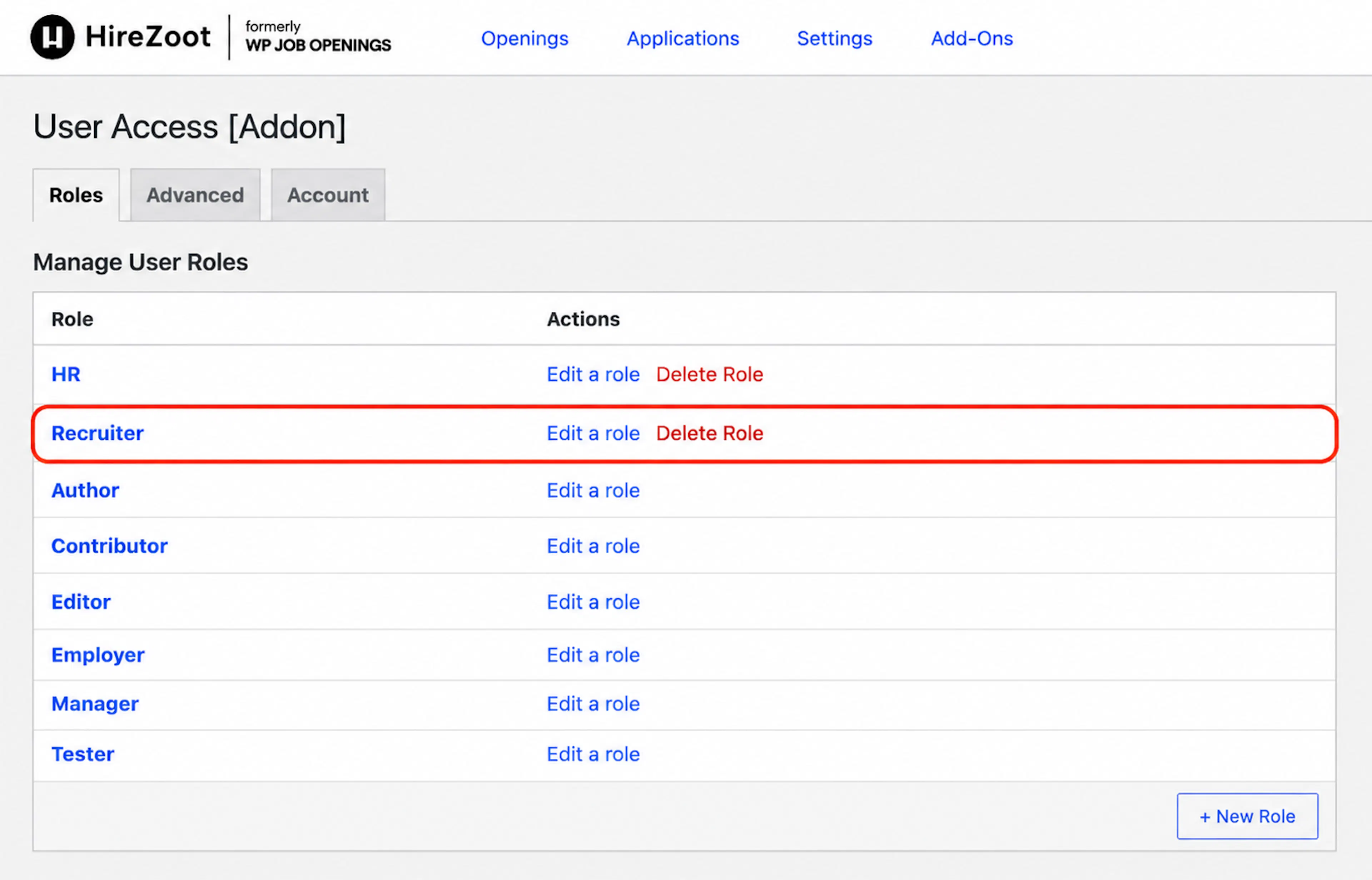
Now you can see that a new role is created and listed in the table.
Was this page helpful?