

Job Page Setting
After installing the HireZoot plugin, you will be guided to the initial setup screen.
Add Company Name
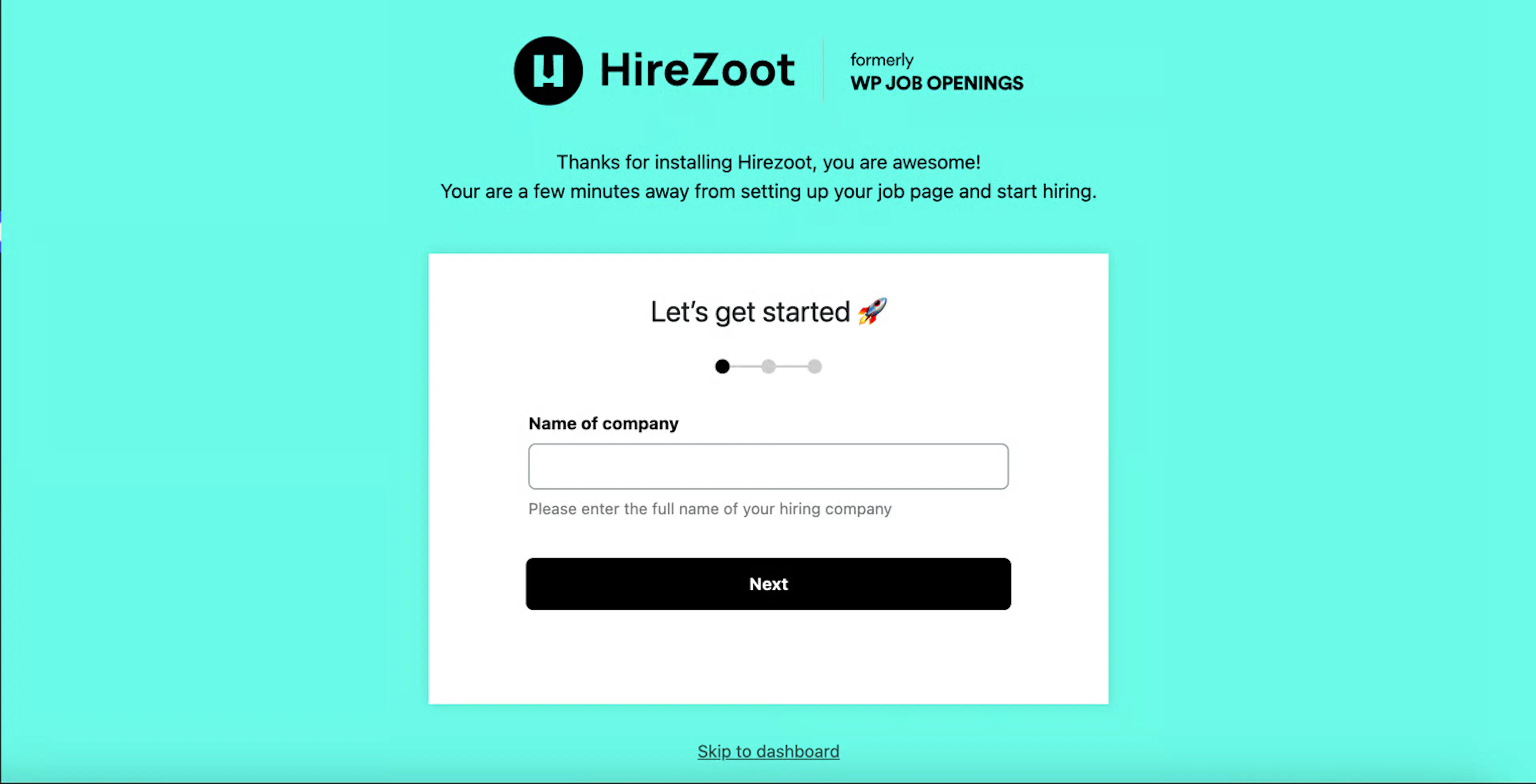
- Enter your company name in this field to proceed with the configuration.
Add Recruiter Email Address
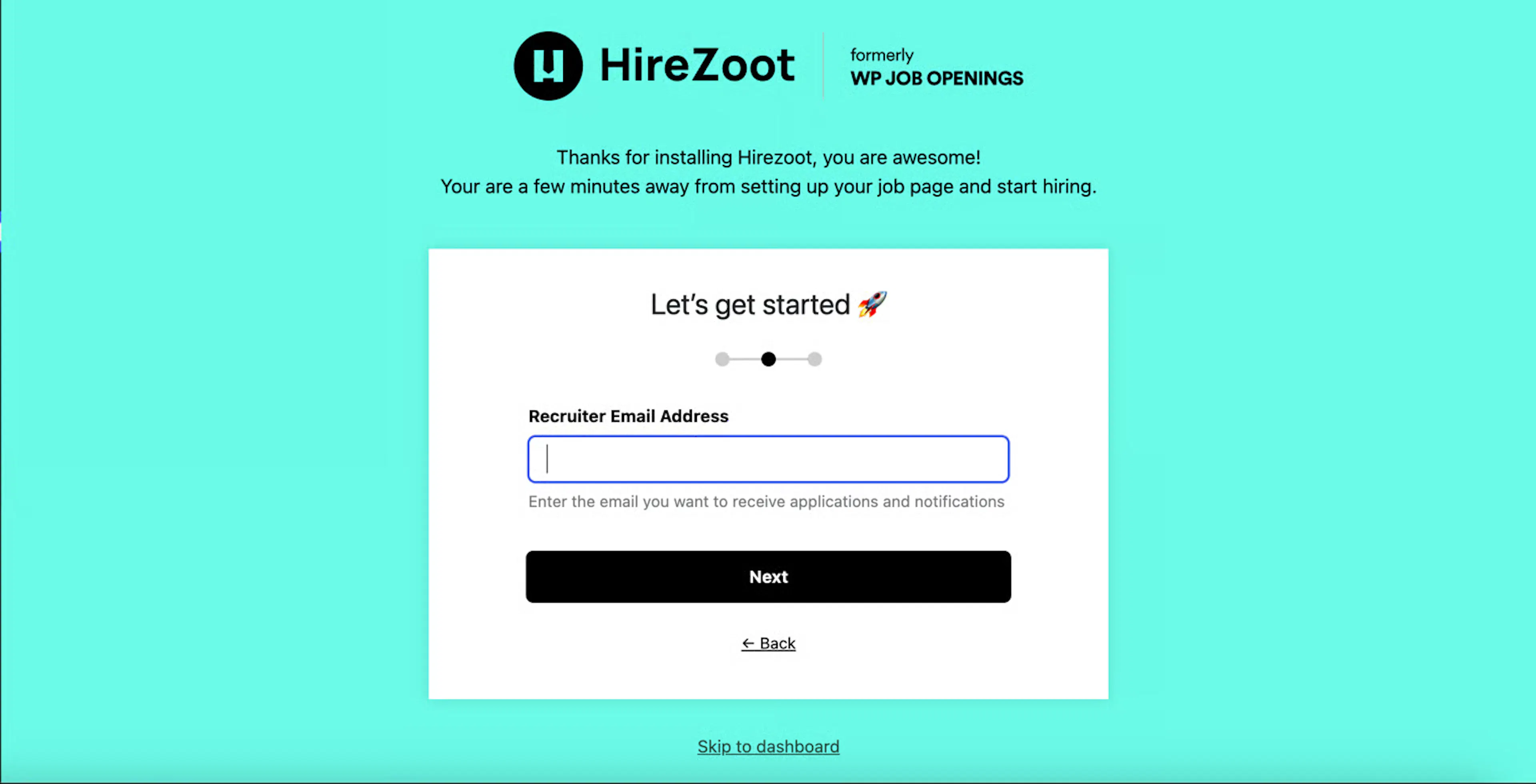
- Enter the recruiter’s email address. This will be used for communication and notifications.
Set Job Listing Page
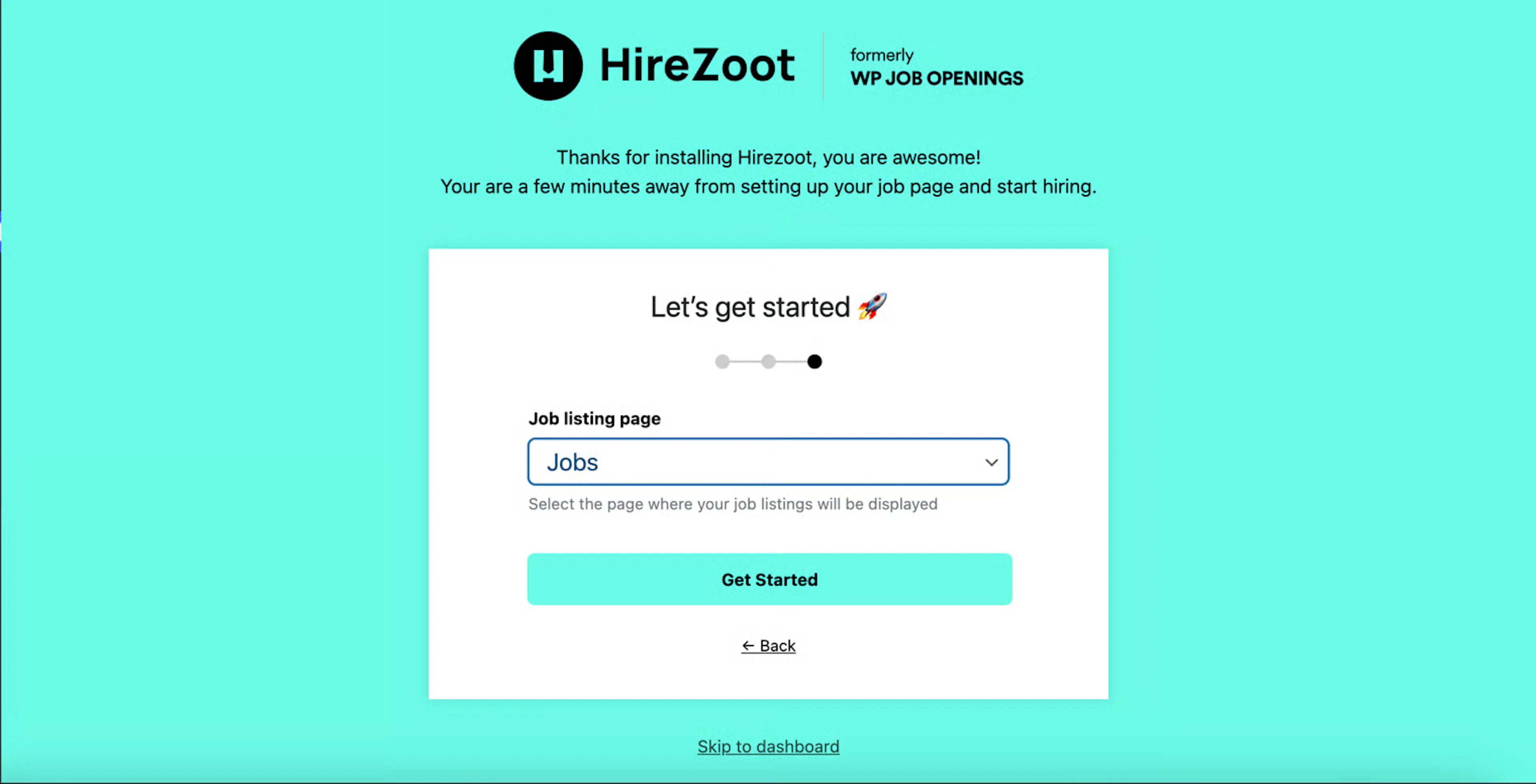
- The final step in the initial setup is to choose the job listing page. Select the desired page from the dropdown menu.
Was this page helpful?