

Job Listing
Customize the Job Listings Beta block appearance by styling the listing area and button for a clean, consistent layout.
Style the job listing block
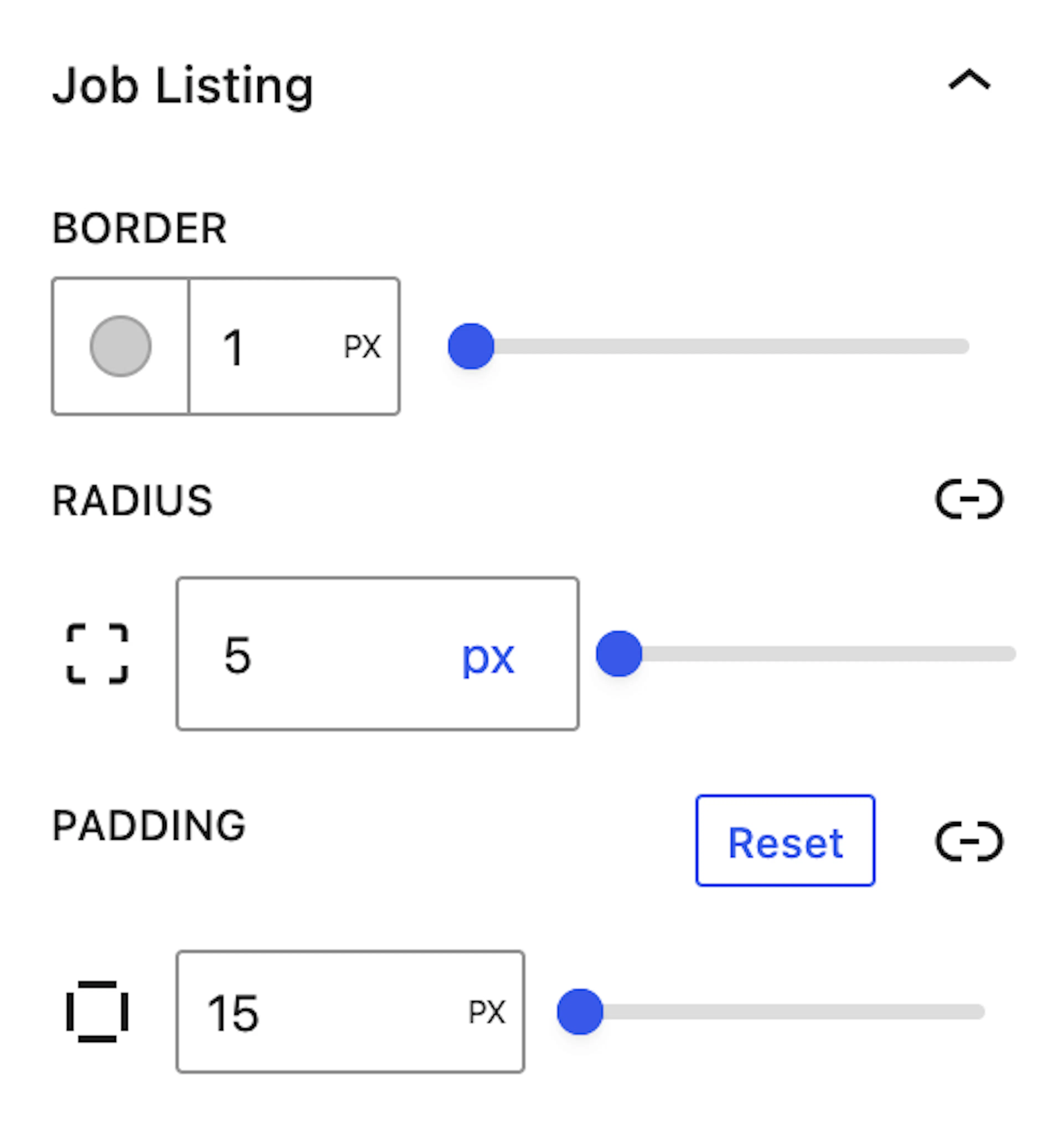
The Job Listing Styling options provide controls to customize the overall appearance of the job listing area. You can configure properties such as Border, Border Radius, and Padding to refine the layout and ensure a well-structured and visually organized presentation of job entries.
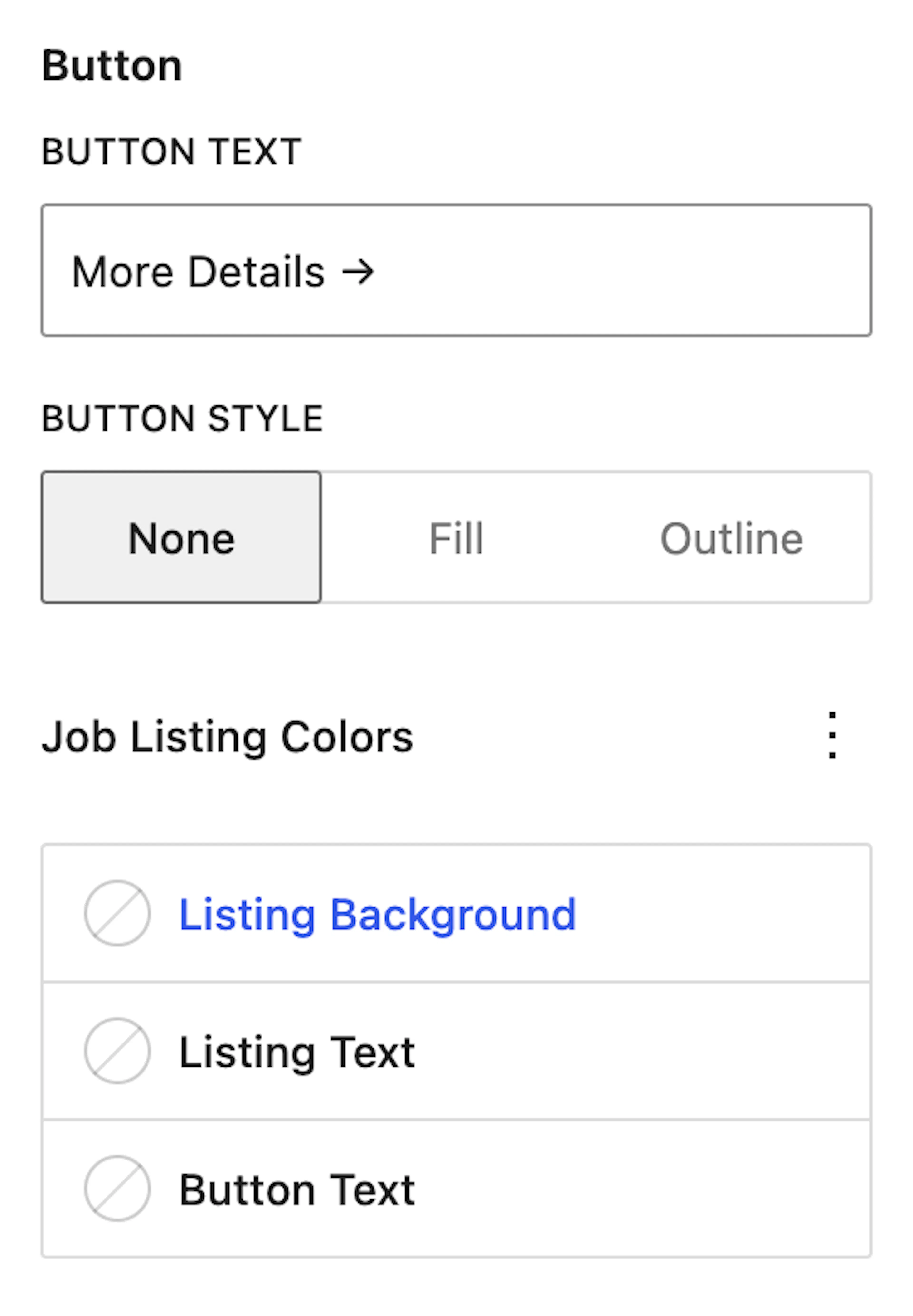
Each job listing also includes a button element, which can be styled separately. You can adjust the button's layout, padding, border, and border radius to maintain consistency with the overall design.
Furthermore, color options are available to customize the Listing Background Color, Listing Text Color, and Button Text Color, providing additional flexibility to achieve a cohesive and visually appealing user experience.
Configure the listing area
Use the listing area styling options to define the structure and spacing around each job entry. These settings help you control how the job listing container appears within the block.
-
Border controls the outline around the job listing area.
-
Border Radius adjusts the roundness of the listing container corners.
-
Padding adds internal spacing inside the listing area to improve readability and layout balance.
Style the job listing button
Use the button styling options to match the action button with the rest of the job listing design. These controls help keep the button visually consistent while making it easy to distinguish.
-
Padding adjusts the internal spacing inside the button.
-
Border defines the button outline.
-
Border Radius changes the roundness of the button corners.
-
Button Text — Change the label text displayed on the button to suit your site's language or style.
-
Button Style — Choose from three display styles:
-
None — displays the button without any specific style applied.
-
Fill — displays the button with a solid background color.
-
Outline — displays the button with a border outline and transparent background.
-
-
Listing Background Color sets the background color of each job listing entry.
-
Listing Text Color sets the color of the text displayed within each job listing.
-
Button Text Color sets the color of the button label.
Adjust the listing area and button styles together to create a more cohesive visual presentation across all job entries.