

Search and Filter
Customize the search box and filter field appearance in the Job Listings block with border, spacing, background, and text color settings.
Customize search and filter field styling
The Search and Filter Fields Settings section allows you to customize the appearance of the filter controls displayed within the block. Similar to the sidebar settings, you can adjust styling options such as Border and Border Radius for the search box as well as the individual filter fields.
Additionally, there are options available to configure the Background Color and Text Color for the search and filter fields.
Border and spacing
Use these settings to control the shape of the search box and individual filter fields.
-
Border — Define the border style shown around each field.
-
Border Radius — Adjust how rounded the corners appear.
These settings apply to both the search box and the individual filter fields, helping you keep the block styling consistent.
Colors
Use color settings to match the search and filter fields to the rest of your block design.
-
Background Color — Set the background color for the search and filter fields.
-
Text Color — Set the text color used inside the search and filter fields.
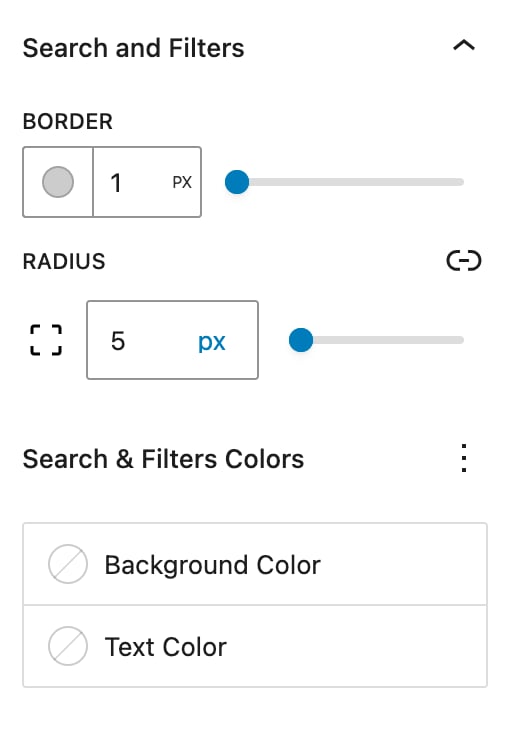
Image options