

Job Listing
Configure how jobs are displayed in the block, including listing type, order, and visibility of expired jobs.
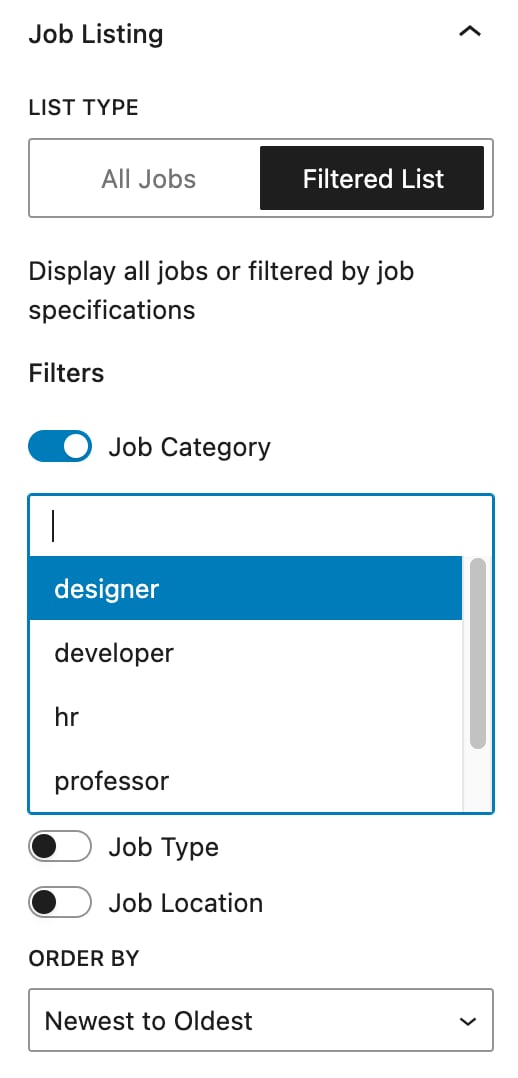
The Job Listing section defines how jobs are displayed within the block. There are two types of listings available:
- All Listings – displays every job without applying any filters.
- Filtered Listings (Pro) – displays jobs based on the filters selected by the user.
You can further refine the job display by setting the listing order, choosing between Newest to Oldest or Oldest to Newest, ensuring users see the most relevant positions first.
Additionally, there is an option to hide expired jobs, which helps maintain a clean and up-to-date job board by preventing outdated listings from being displayed.
Filtered Listings is a Pro feature available to Pro users only. Upgrade to HireZoot Pro to access it.
Was this page helpful?